
Published April 6, 2026 at 10:28 AM
How to setup a CSH BeamMP server.
How to Set Up Your BeamMP Server
Setting up your server is a quick process, but following these steps in order is essential for everything to function correctly.
Step 1: Access the Console
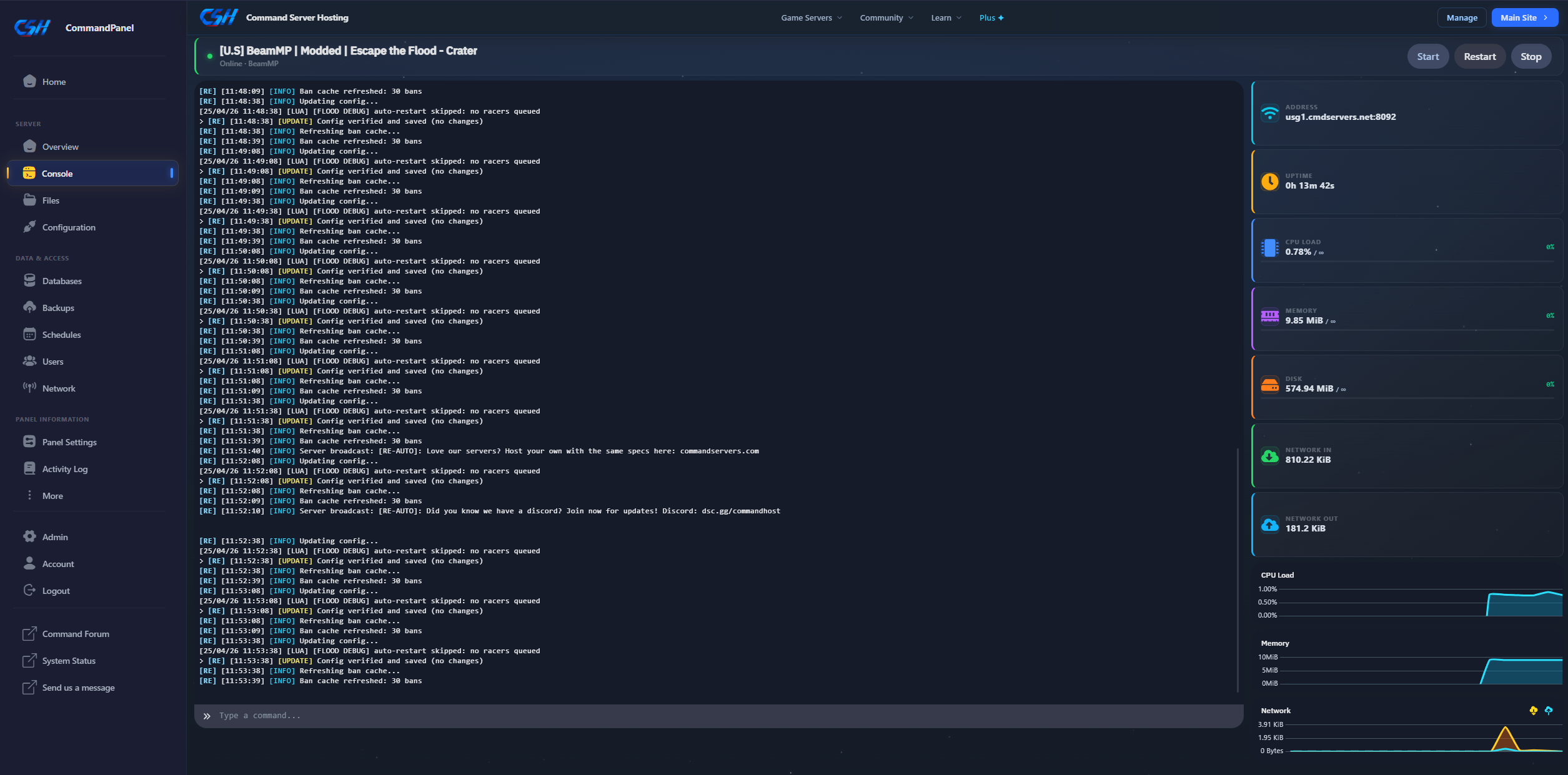
Open your Server Console. This is your main command center for monitoring the server's status.
Step 2: Initialize the Files
Start your server, wait for it to fully boot, and then immediately stop it.
Why? The server must run at least once to automatically generate the
Resourcesfolder and other essential configuration files.

Step 3: Configure Your Settings
Navigate to the Configuration tab on the left sidebar. This interface allows you to safely adjust your server's name, map, and player slots.

IMPORTANT: Do not edit the server config file directly via the File Manager; it will be overridden by the dashboard!
Common Console Commands
When using the console, you do not need to use a forward slash (/). Simply type the command and press enter.
| Command | Description |
|---|---|
reloadmods |
Reloads all server mods without needing a full restart. |
kick [name] |
Removes a specific player from the server. |
list |
Displays a list of all currently connected players. |
say [message] |
Broadcasts an official message from the server to all players. |
That's it! Your BeamMP server is now configured and ready for players.