How to setup a CSH BeamMP server.
How to Set Up Your BeamMP Server
Setting up your server is a quick process, but following these steps in order is essential for everything to function correctly.
---
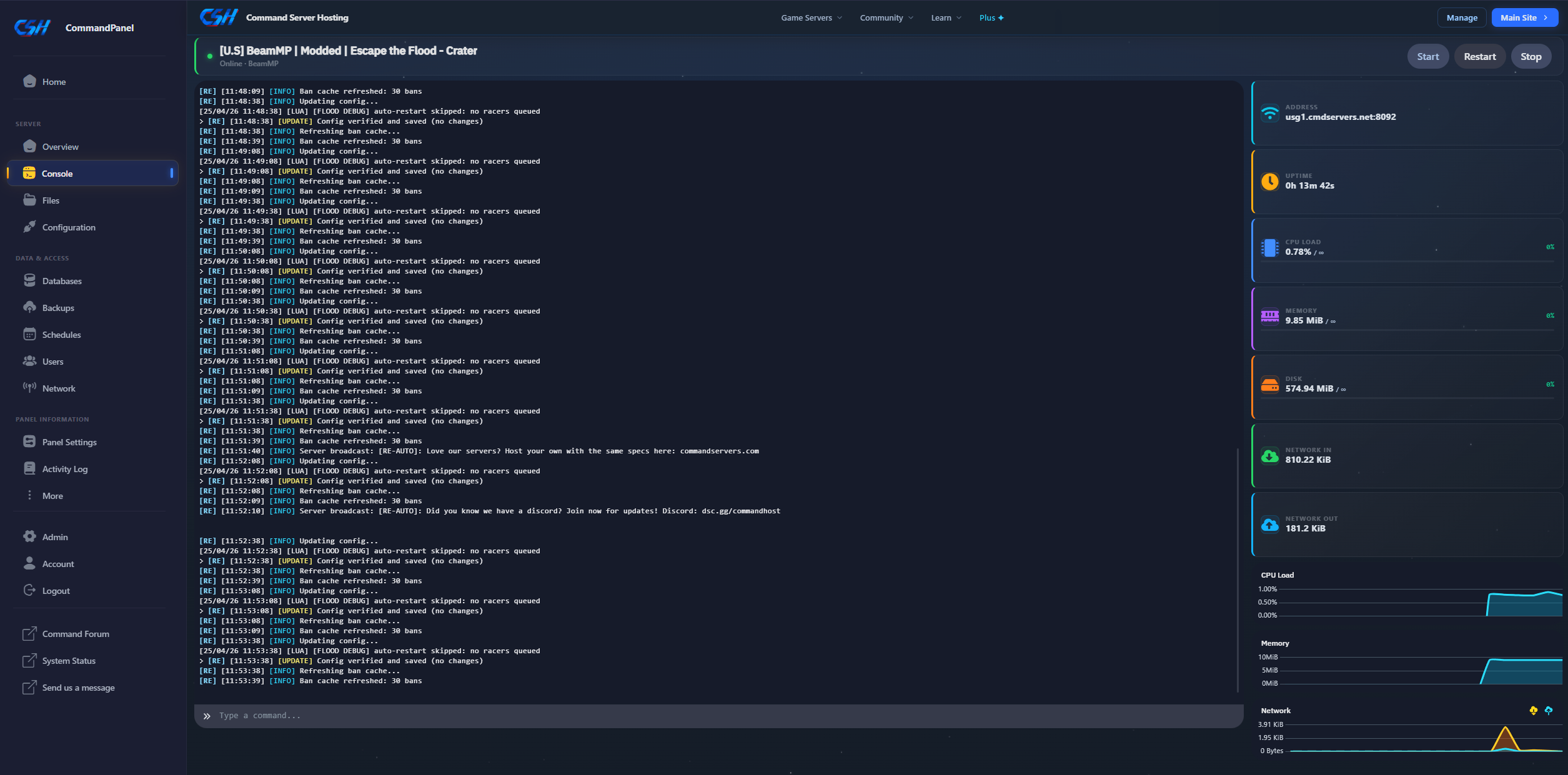
Step 1: Access the Console
Open your Server Console. This is your main command center for monitoring the server's status.
Step 2: Initialize the Files
Start your server, wait for it to fully boot, and then immediately stop it.
> Why? The server must run at least once to automatically generate the `Resources` folder and other essential configuration files.

Step 3: Configure Your Settings
Navigate to the Configuration tab on the left sidebar. This interface allows you to safely adjust your server's name, map, and player slots.

> IMPORTANT: Do not edit the server config file directly via the File Manager; it will be overridden by the dashboard!
---
Common Console Commands
When using the console, you do not need to use a forward slash (`/`). Simply type the command and press enter.
| Command | Description |
| :--- | :--- |
| `reloadmods` | Reloads all server mods without needing a full restart. |
| `kick [name]` | Removes a specific player from the server. |
| `list` | Displays a list of all currently connected players. |
| `say [message]` | Broadcasts an official message from the server to all players. |
That's it! Your BeamMP server is now configured and ready for players.